


Seller helped me troubleshoot my laptop, helped me figure out i was missing drivers, and explained how to fix it! pen works great
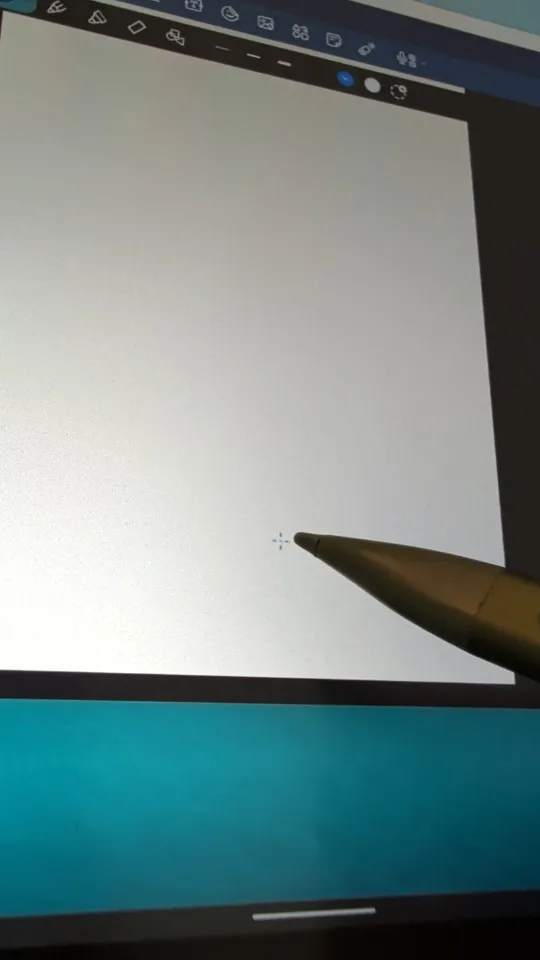
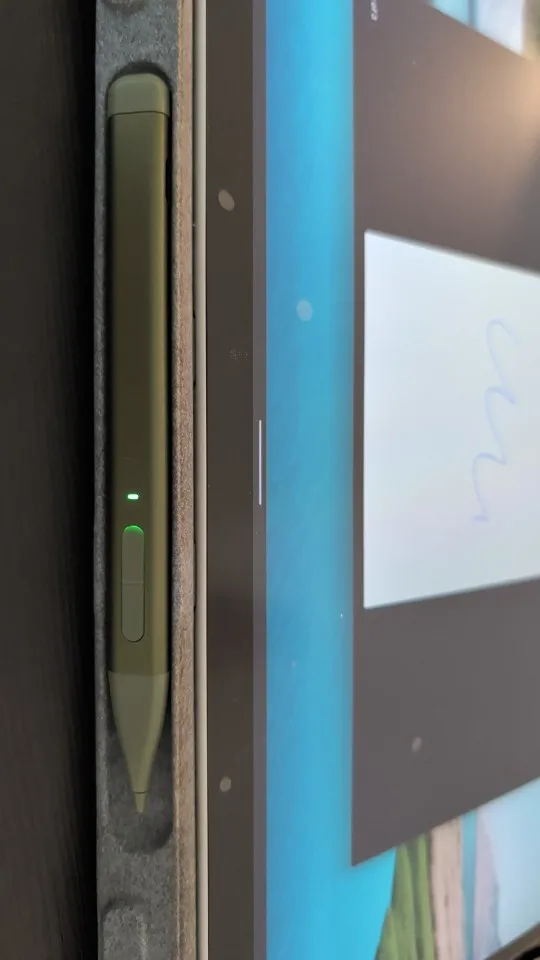
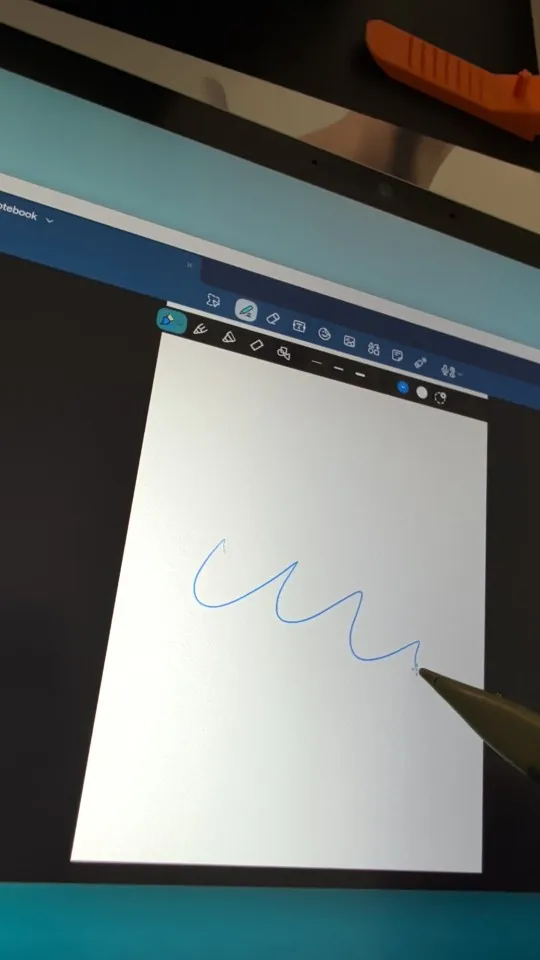
Slim Pen 2 Stylus Pen for Microsoft Surface
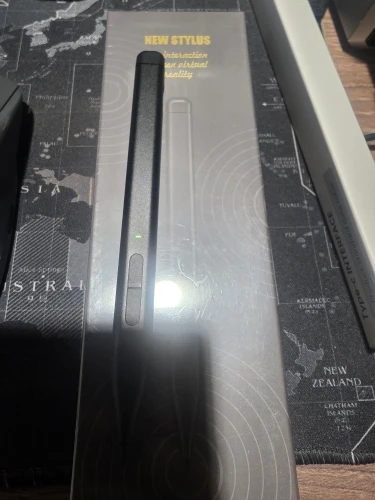
It arrived on time, exactly as the seller described, without any problems and with the same specifications. good seller.
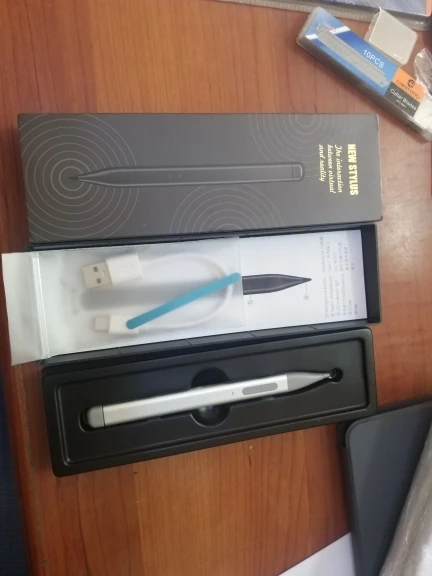
It arrived in good condition, just need to test it, I hope it works correctly.
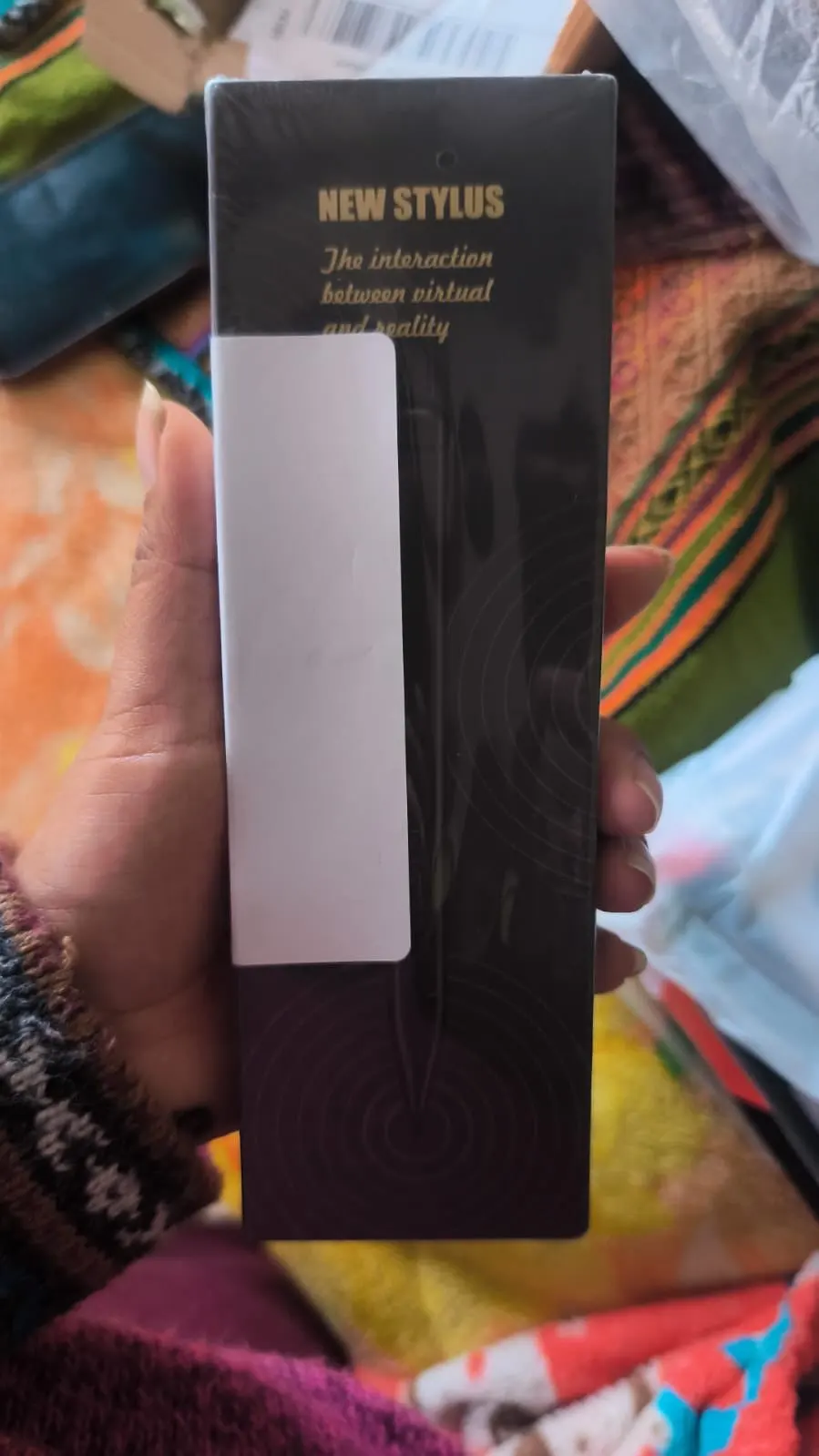
Works perfectly but the pen cannot fit into my surface's casing.
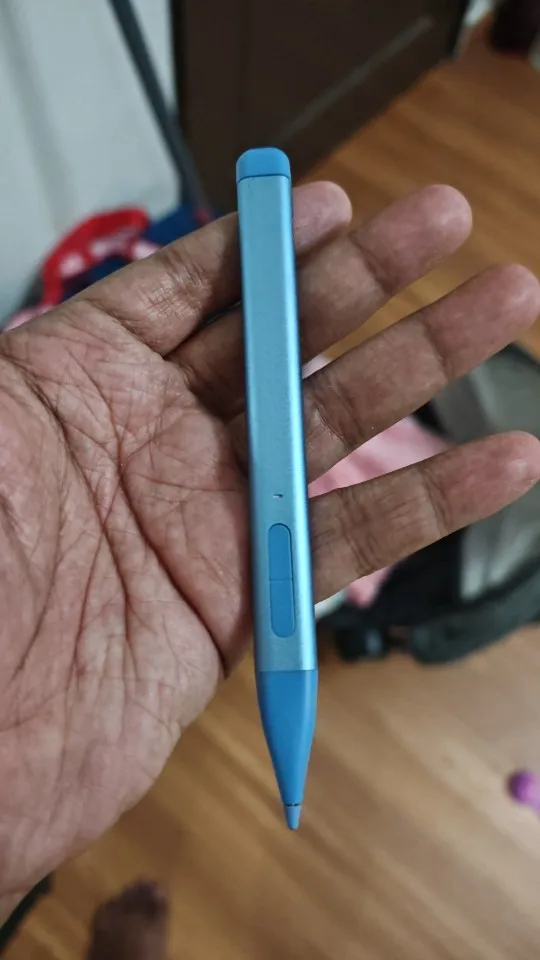
Excellent, besides that it's nice and fits perfectly on its own.
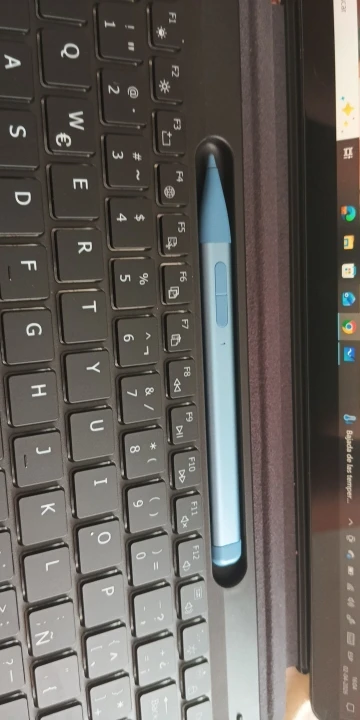
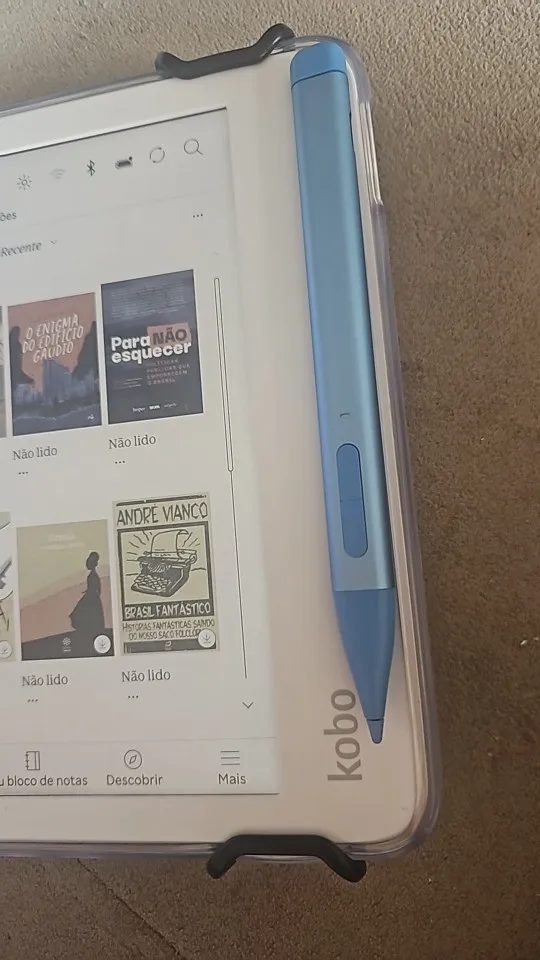
Totally compatible with my kobo libra color and super easy to pair the pen with the device. It sticks to the magnet too, but kinda loosely (it came with a spare magnet, so maybe if i try that it will stick better).
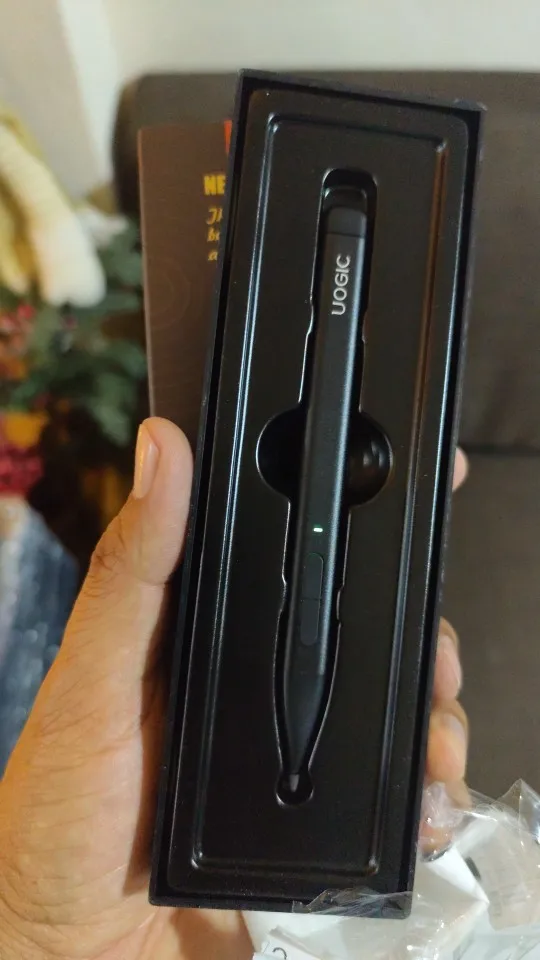
Comes with charger and spare nib in the same color of the original.
Very satisfied! Fast shipping and high quality product!
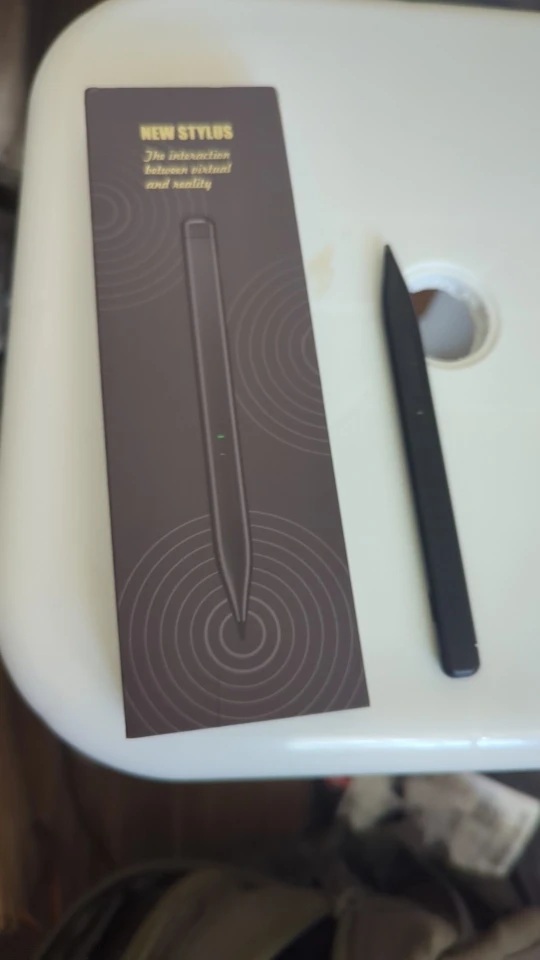
The stylus was unstable and had issues with usability right out of the box. It pressed on the screen on its own and had dysfunctional sensitivity. It's a shame because the stylus looks nice and I had no problems with the delivery, etc.

links perfectly
Perfect item. Good price
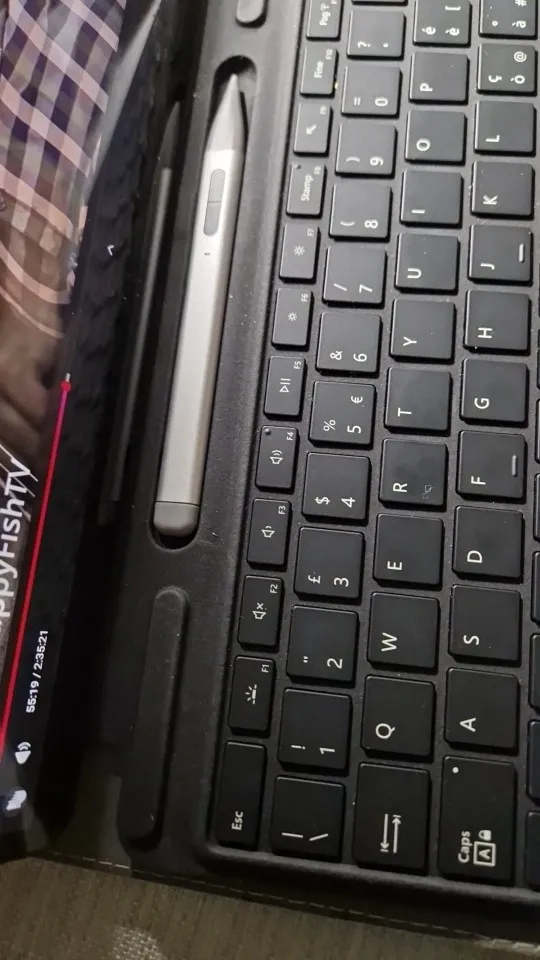
Slim Pen 2 Stylus Pen for Microsoft Surface
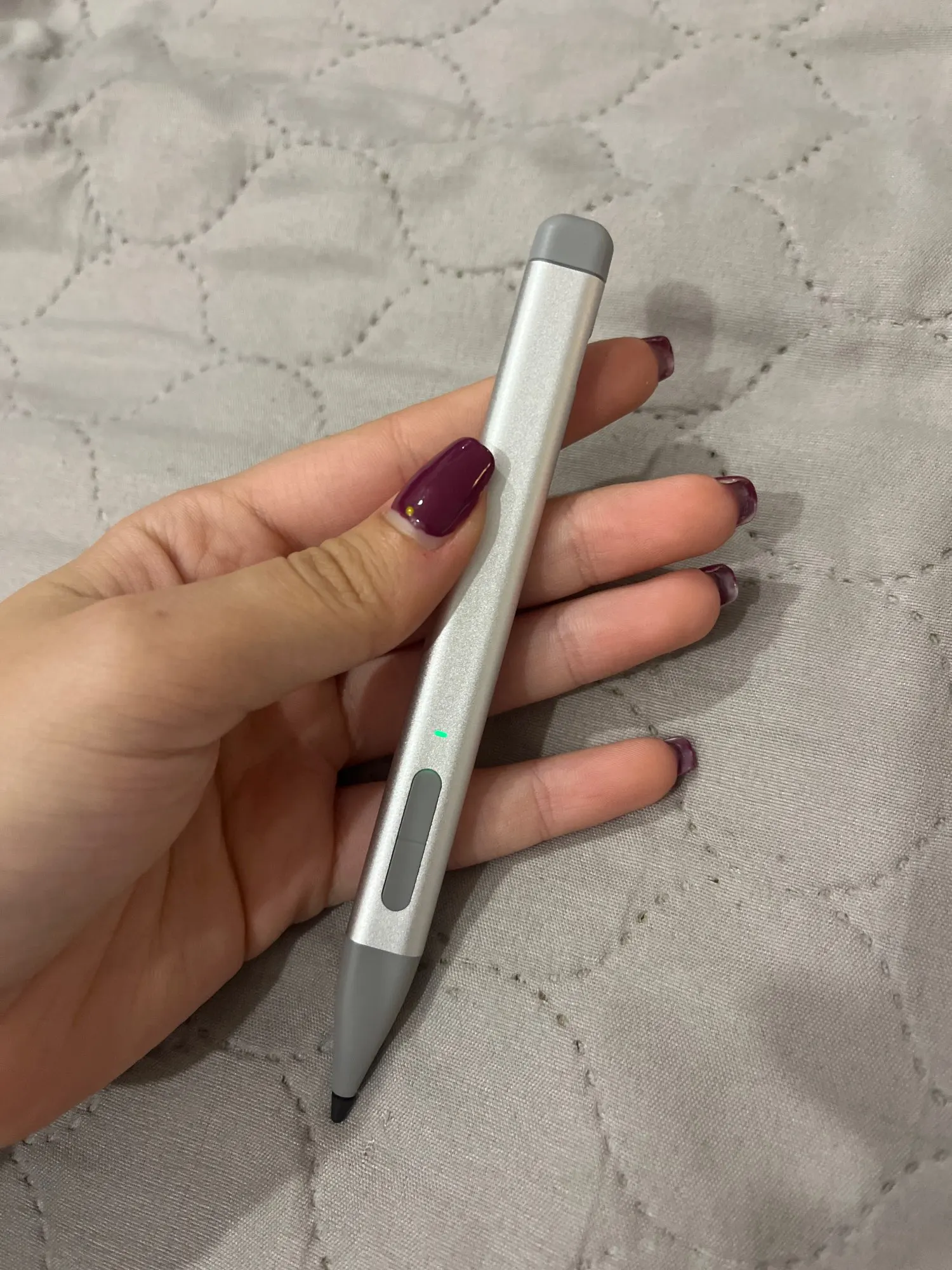
It arrived on time and in good condition. I haven't tried it yet since it arrived without charge, but it did sync with the surface.
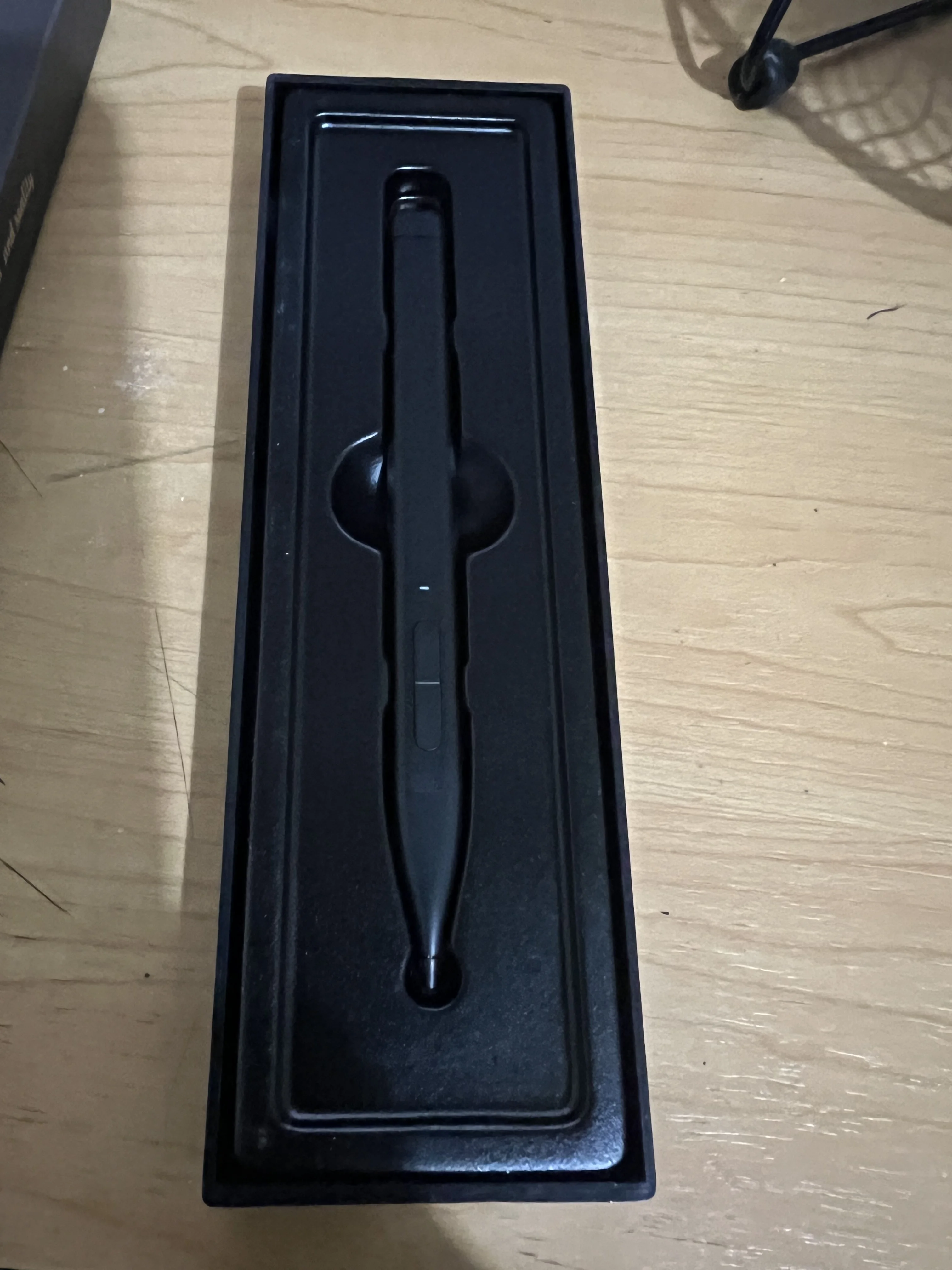
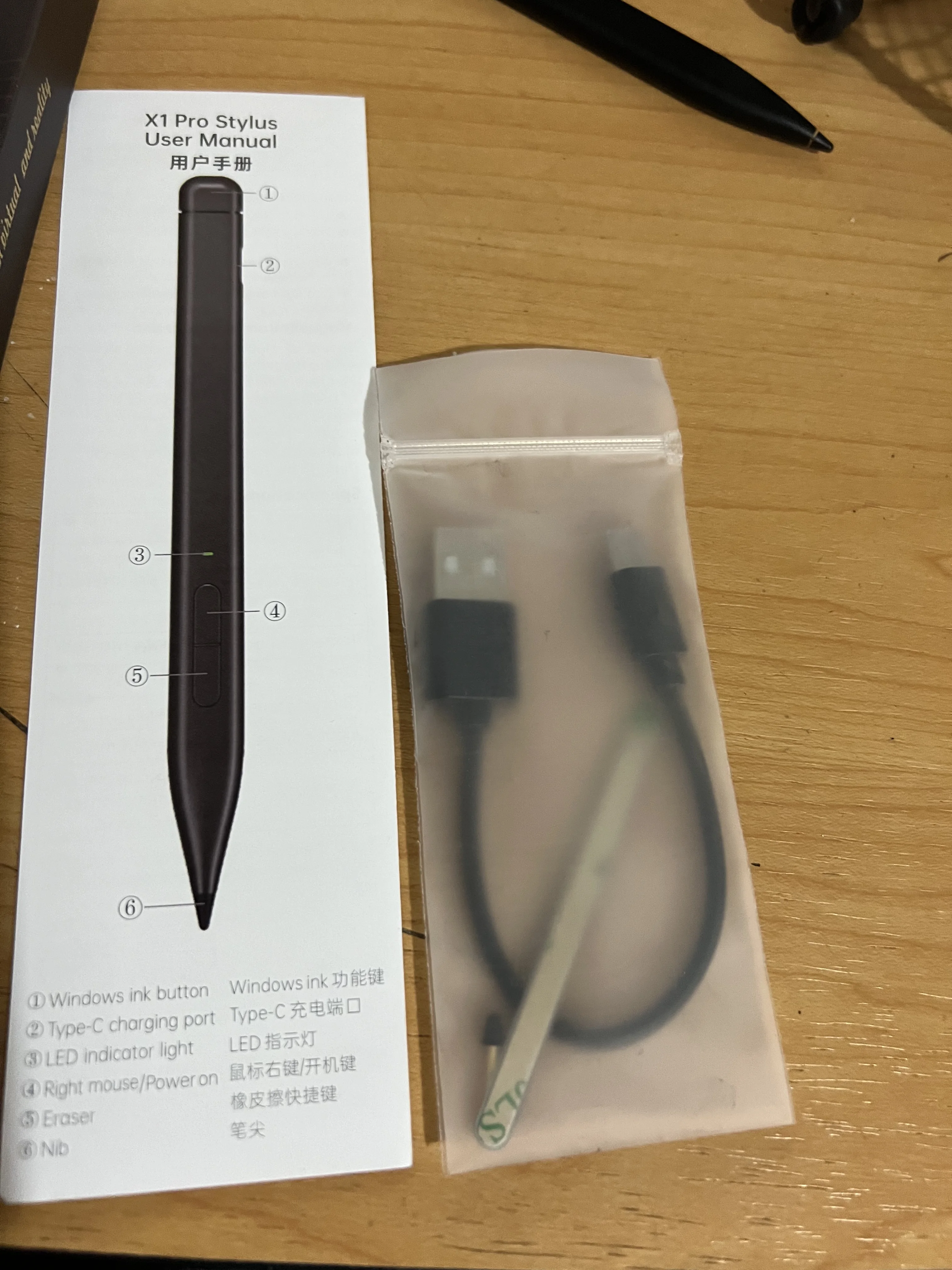
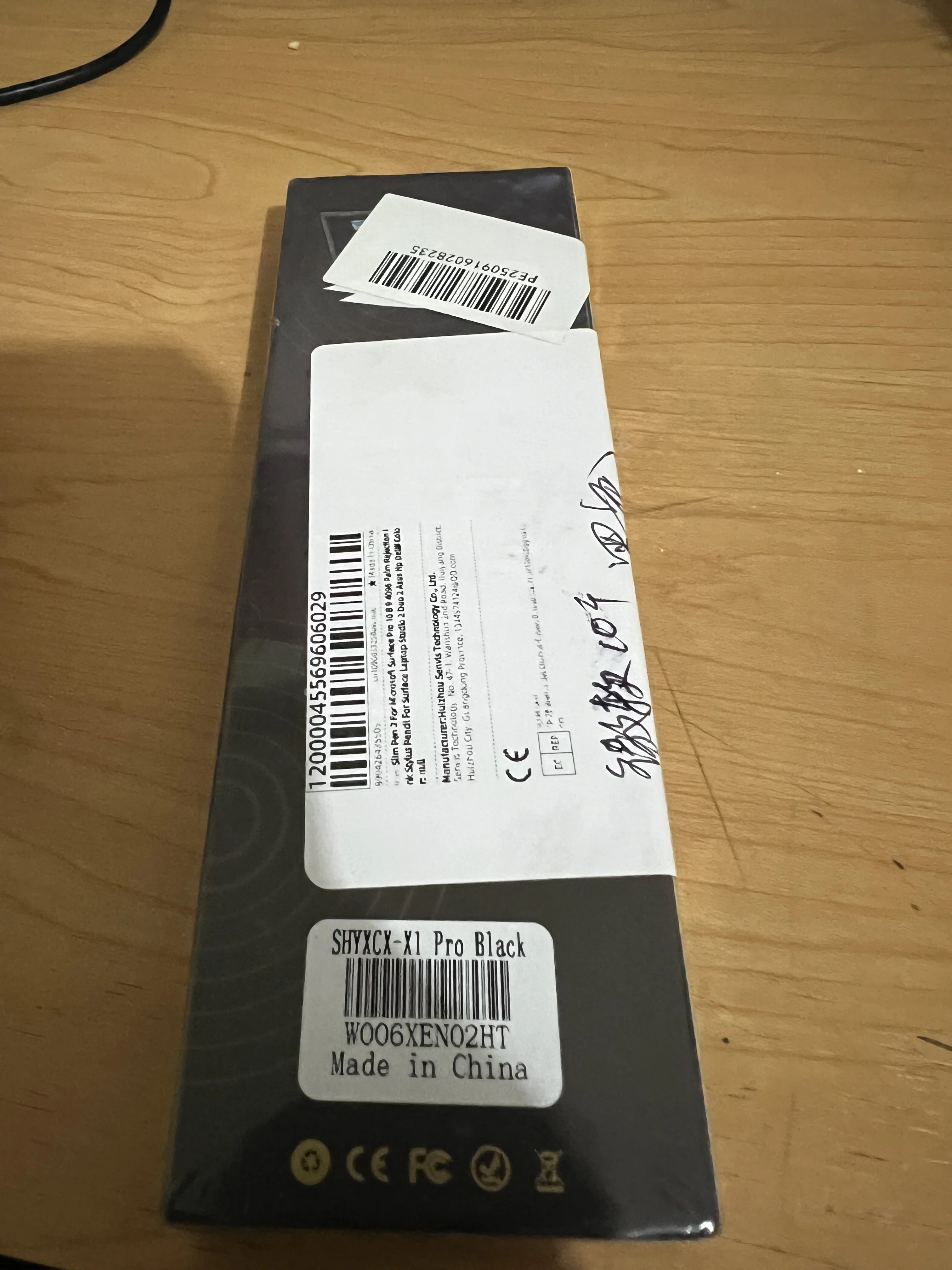
It works correctly but does not have an instruction manual, only an image with function buttons, but they do not inform how to connect or how to turn the device on or off.
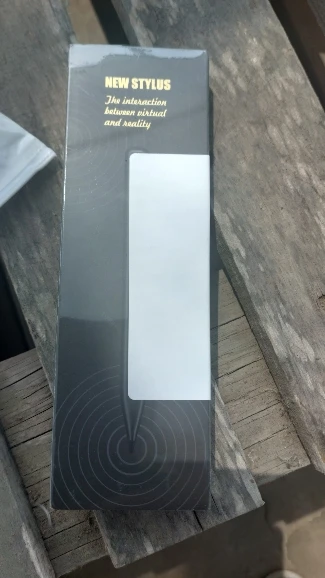
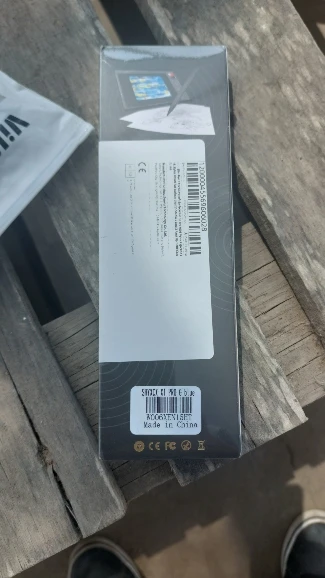
It is nice and works smoothly, i just wish it was magnetic.
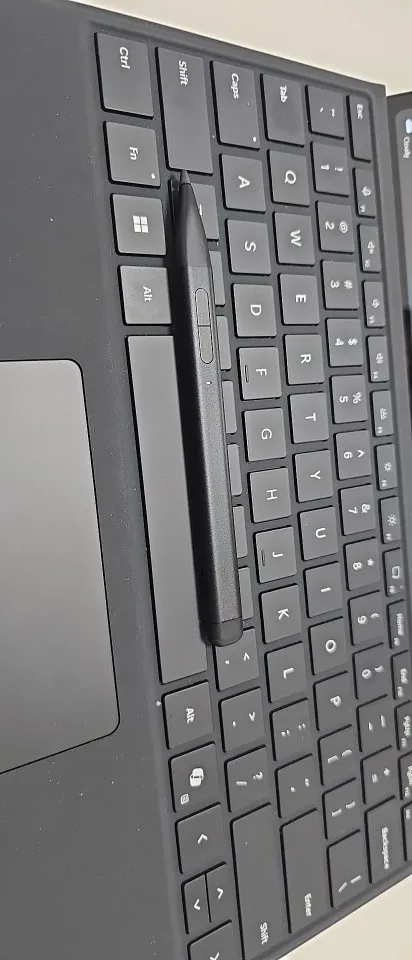
Fast shipping and good quality product. I recommend.
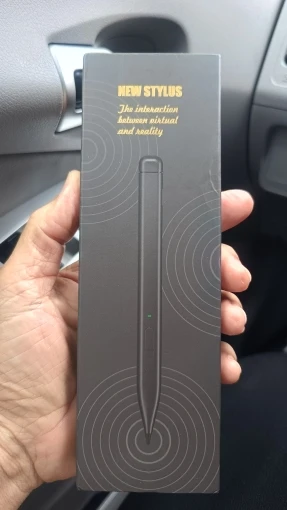
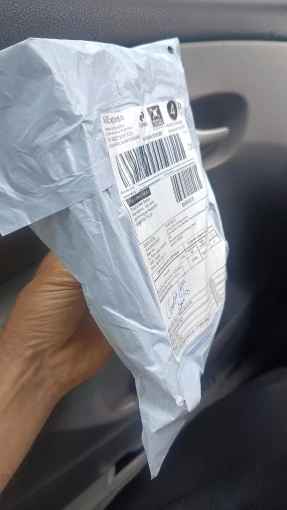
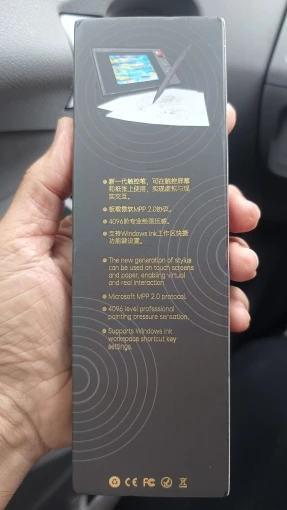
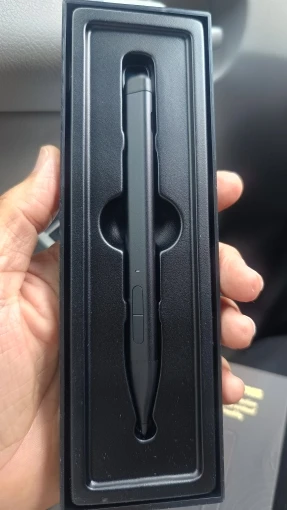
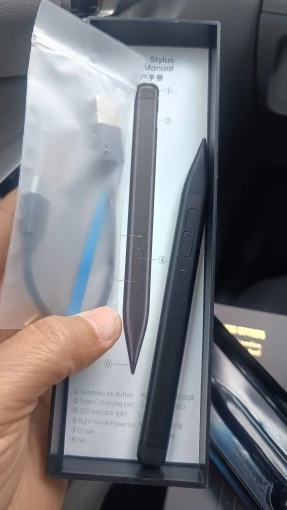
The pen works and connects, but it has a serious issue: when writing or drawing, the line doesn’t stop immediately after lifting the pen. It keeps drawing until i move the pen further away. This makes writing and drawing inaccurate.
I used an original surface pen before and didn’t face this problem, so the issue seems to be with this pen’s quality.
Not recommended if you need precision.
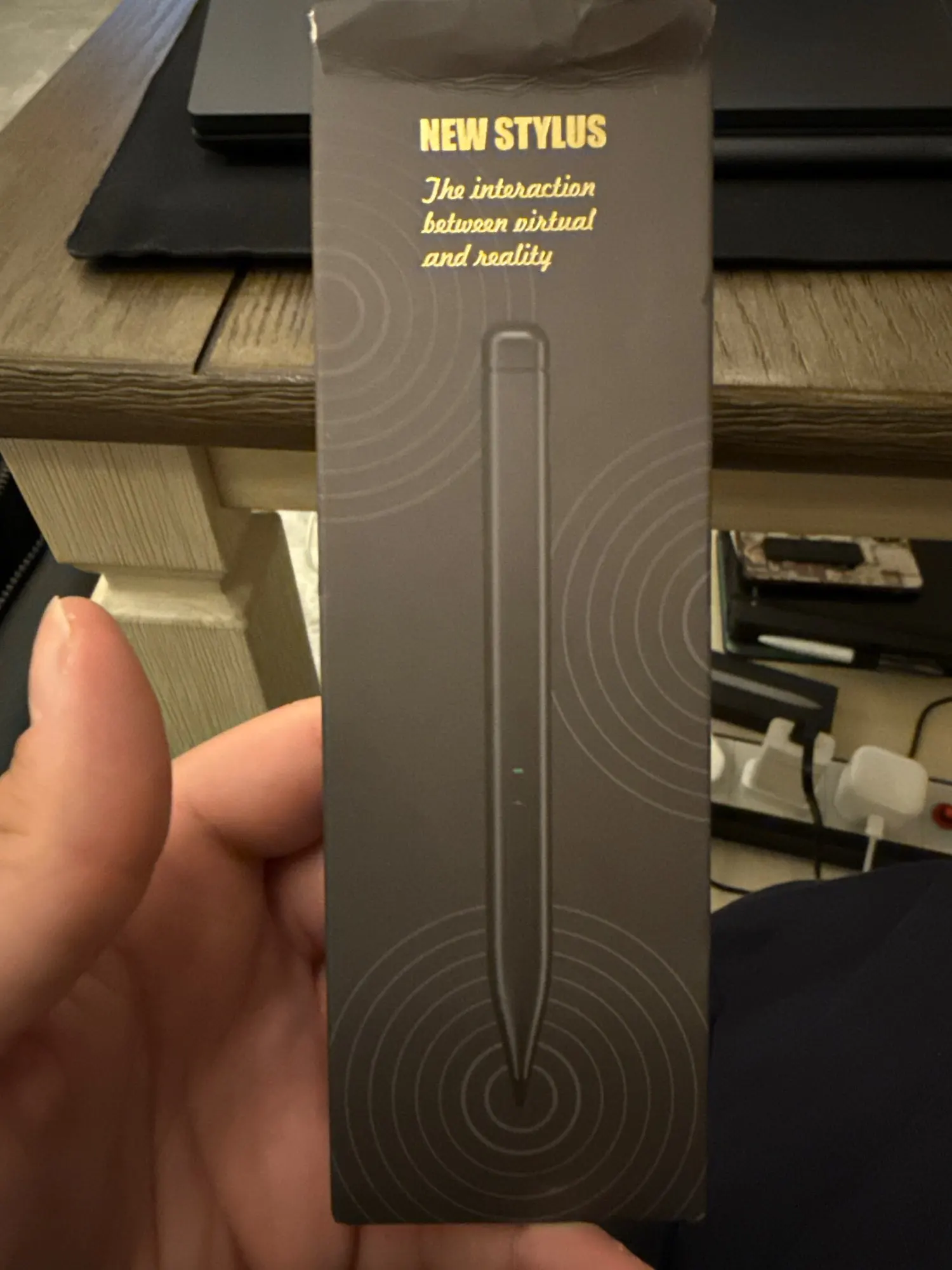
The packaging looks good and i think it will be well appreciated as it is a gift. It is yet to be confirmed as working perfectly.
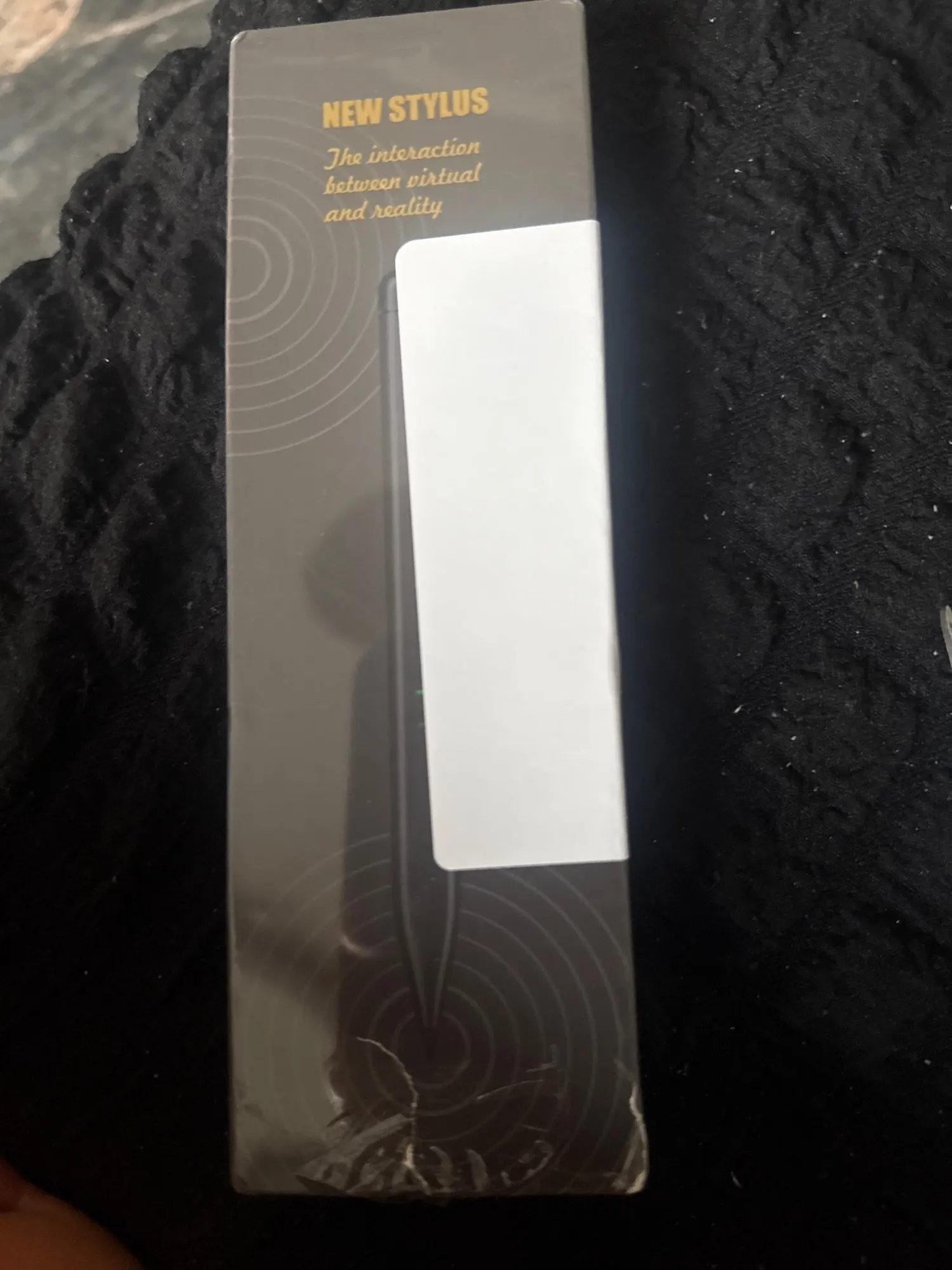
Slim Pen 2 Stylus Pen for Microsoft Surface
Very similar to the slim pen 2 but charges via a usb3 cable, not in the keyboard dock. some of the cheaper pens work just as well.
Slim Pen 2 Stylus Pen for Microsoft Surface
Slim Pen 2 Stylus Pen for Microsoft Surface
Slim Pen 2 Stylus Pen for Microsoft Surface
Slim Pen 2 Stylus Pen for Microsoft Surface
Excellent. I don't know if the original one charges via USB, but at this price it's worth it.
Seller helped me troubleshoot my laptop, helped me figure out i was missing drivers, and explained how to fix it! pen works great
Slim Pen 2 Stylus Pen for Microsoft Surface
It arrived on time, exactly as the seller described, without any problems and with the same specifications. good seller.
It arrived in good condition, just need to test it, I hope it works correctly.
Works perfectly but the pen cannot fit into my surface's casing.
Excellent, besides that it's nice and fits perfectly on its own.
Totally compatible with my kobo libra color and super easy to pair the pen with the device. It sticks to the magnet too, but kinda loosely (it came with a spare magnet, so maybe if i try that it will stick better).
Comes with charger and spare nib in the same color of the original.
Very satisfied! Fast shipping and high quality product!
The stylus was unstable and had issues with usability right out of the box. It pressed on the screen on its own and had dysfunctional sensitivity. It's a shame because the stylus looks nice and I had no problems with the delivery, etc.
links perfectly
Perfect item. Good price
Slim Pen 2 Stylus Pen for Microsoft Surface
It arrived on time and in good condition. I haven't tried it yet since it arrived without charge, but it did sync with the surface.
It works correctly but does not have an instruction manual, only an image with function buttons, but they do not inform how to connect or how to turn the device on or off.
It is nice and works smoothly, i just wish it was magnetic.
Fast shipping and good quality product. I recommend.
The pen works and connects, but it has a serious issue: when writing or drawing, the line doesn’t stop immediately after lifting the pen. It keeps drawing until i move the pen further away. This makes writing and drawing inaccurate.
I used an original surface pen before and didn’t face this problem, so the issue seems to be with this pen’s quality.
Not recommended if you need precision.
The packaging looks good and i think it will be well appreciated as it is a gift. It is yet to be confirmed as working perfectly.
Slim Pen 2 Stylus Pen for Microsoft Surface
Very similar to the slim pen 2 but charges via a usb3 cable, not in the keyboard dock. some of the cheaper pens work just as well.
Slim Pen 2 Stylus Pen for Microsoft Surface
Slim Pen 2 Stylus Pen for Microsoft Surface
Slim Pen 2 Stylus Pen for Microsoft Surface
Slim Pen 2 Stylus Pen for Microsoft Surface
Excellent. I don't know if the original one charges via USB, but at this price it's worth it.